TikTok to MP3, straight from the original sound

Paste a link to any public TikTok and save its sound as an MP3 — the file TikTok stores, not a re-compressed copy. No login, no app, no converter queue.

  • Video posts
  • Photo slideshows
  • Profile stories
  • vm / vt short links

Public posts only. Nothing you paste is written to a database.

What it does

Four things worth knowing before you convert

Quality

A TikTok to MP3 Converter That Skips the Converting

Most converters download the video, strip the audio track out of it and compress it a second time. TikStoryViewer doesn't: every TikTok has its sound stored as a separate file, and that original file is what you get, passed straight through with no re-encoding on our side. Nothing is lost that TikTok didn't already store. It's also why there's no "320 kbps" button here — a higher number on a download menu only means a file was upsampled, and upsampling can't put back detail that was never in the source.
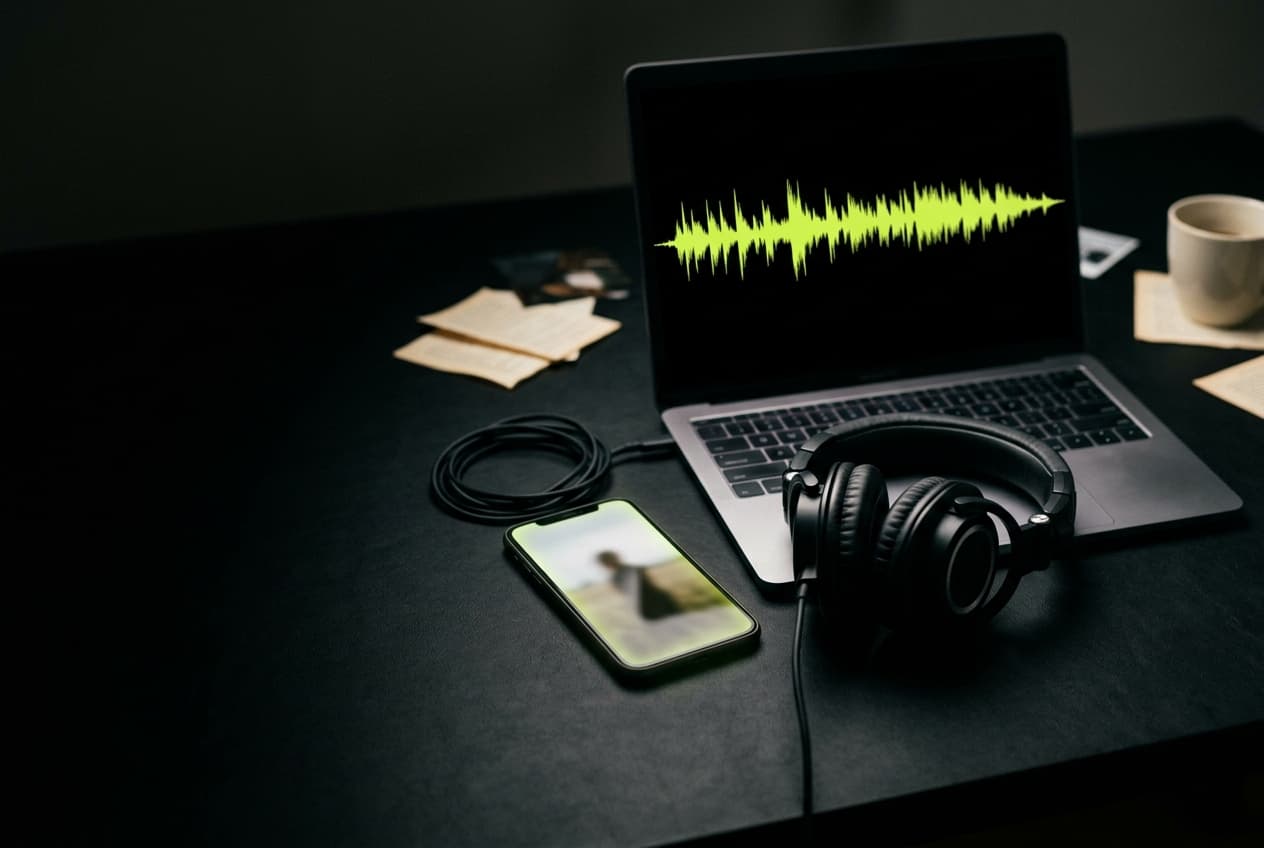
A TikTok sound saved as an MP3 with TikStoryViewer, its waveform on a laptop screen beside headphones and a phone

Sounds

Download TikTok Sounds, Voiceovers and Original Audio

The MP3 is the post's sound exactly as TikTok attaches it — an original voiceover, a creator's own track, or the clip of a song the video uses. That makes it the quick route to a sound you want to reuse in your own edit, a voiceover you need to transcribe, or a track you're trying to identify. One thing to know up front: if the video uses a licensed song, the file is the part TikTok attached, usually a short clip, not the full release. Photo slideshows work too — their background sound comes down as its own MP3.

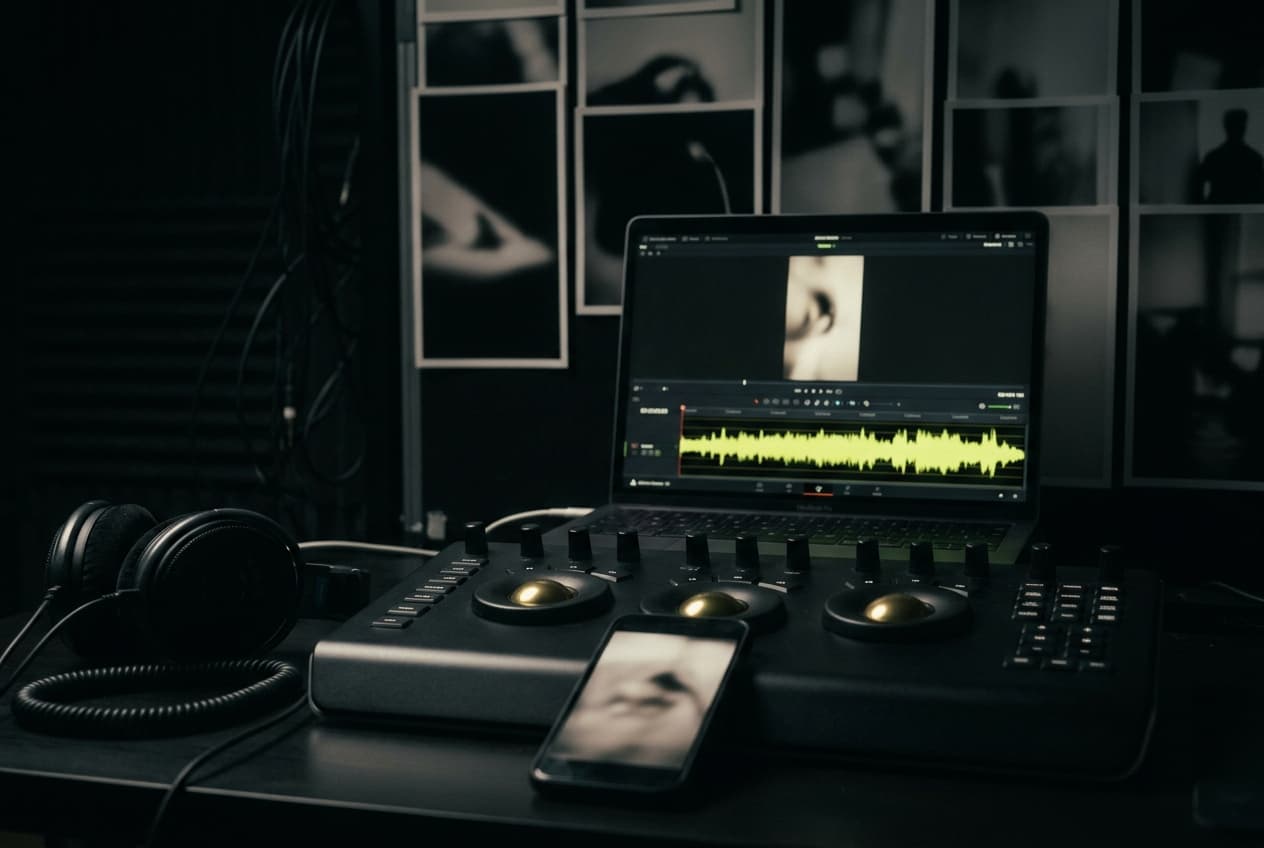
A TikTok voiceover downloaded as an MP3 with TikStoryViewer, its waveform on an editing timeline in a grading suite

Access

A TikTok MP3 Downloader for Any Browser, No App Needed

TikStoryViewer runs in the browser you already have: Safari or Chrome on a phone, any desktop browser, or the in-app browser you land in from a shared link. There is no app to install, no extension asking to read every site you visit, and no account to create before the download button appears. On an iPhone the MP3 lands in the Files app; on Android and desktop it goes to your usual downloads folder. Copy the link, paste it, save the sound.

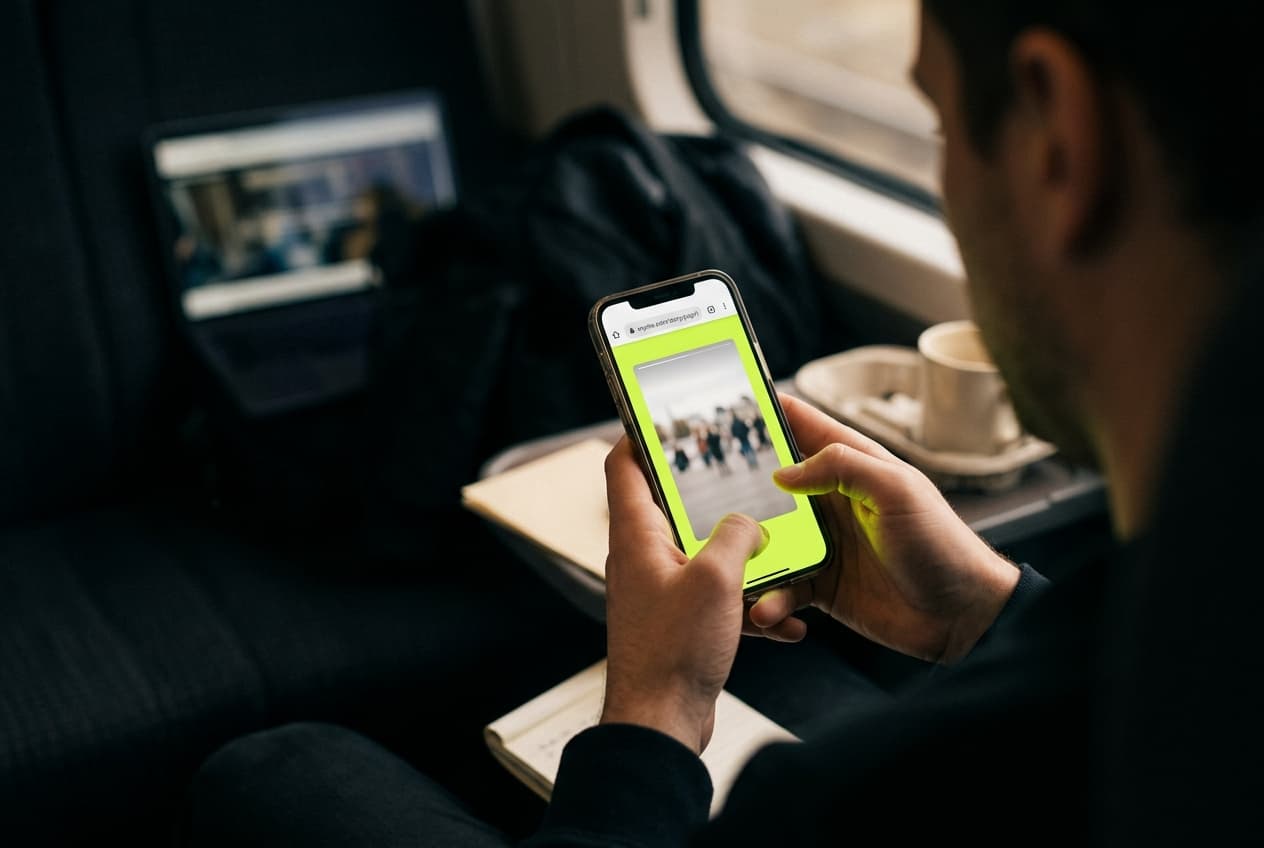
Saving TikTok audio with TikStoryViewer in a phone browser on a train, with no app or extension installed

Everything else

Need the Video Too? The MP4 Comes With the Same Paste

Every result lists the other files alongside the MP3: the video as an MP4 without the bouncing TikTok watermark, each slide of a photo post as a full-resolution JPG, and the cover image. You don't have to run the link through a second tool if you change your mind about wanting only the audio. The download links are signed and stop working within a day, so a link you shared by accident expires on its own.

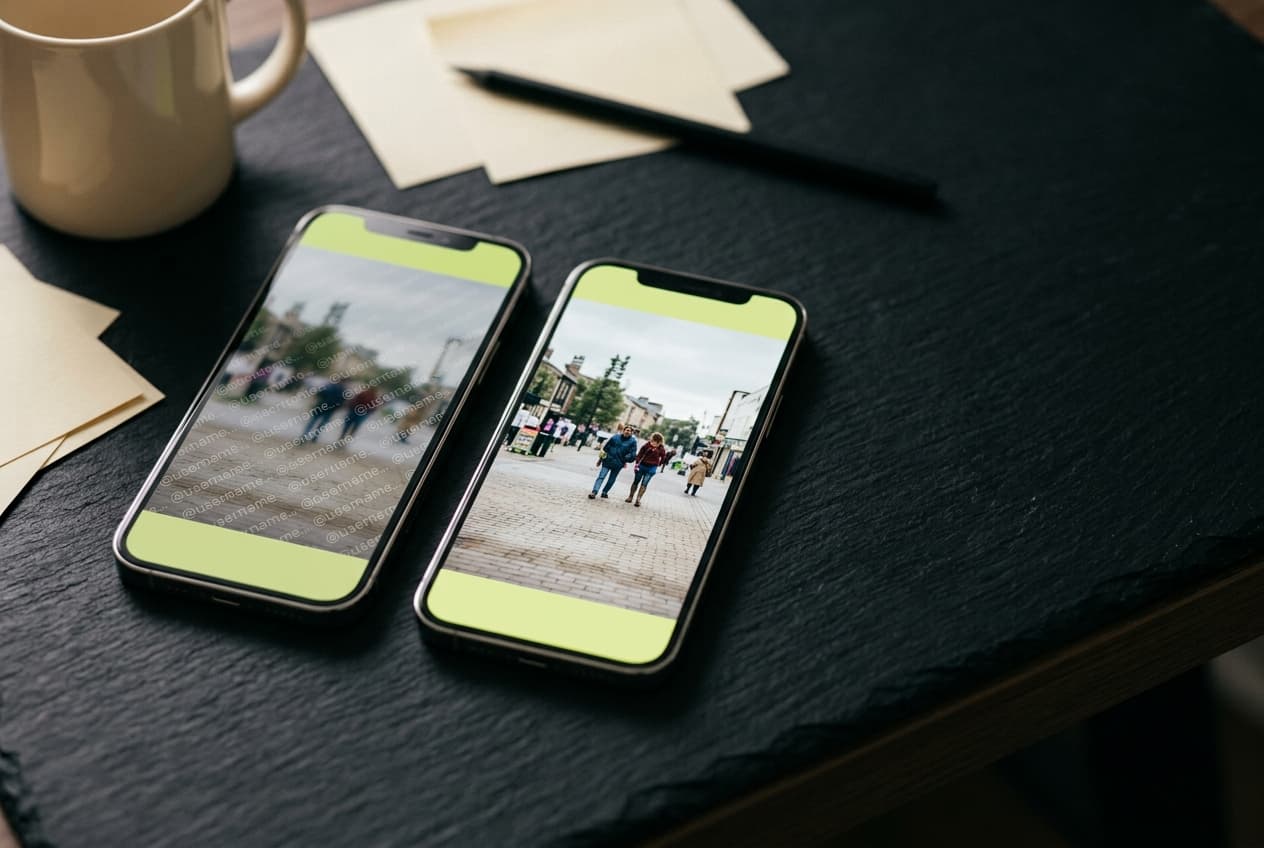
Two phones comparing a watermarked TikTok video with the clean MP4 saved from TikStoryViewer alongside its MP3

Why this one

Fast, quiet, and free in the way that actually means free

One request, no queue

Paste a link and the post resolves straight away — no render queue, no "your file is being prepared" spinner, no email to confirm. There is no batching step because there is nothing to render; the file already exists on TikTok's CDN and TikStoryViewer just fetches it for you.

Nothing kept after delivery

We don't keep the links you paste, we don't build a profile of what you watched, and media is streamed through and discarded rather than stored on a server. Download links are signed and stop working within a day, so a shared link goes dead on its own.

Free, with no credit system

No credits, no daily cap dressed up as a free tier, no watermark added on the way out, and no account wall at the download step. The page is ad-supported; the tool itself stays free to use.

And four things it deliberately won't do

  • Private and friends-only accounts — we can't reach them, and we don't try
  • Your TikTok password — we never ask for it and there is nothing to log into
  • Saved search history — pasted links aren't written to a database
  • Watermarks or email gates on the file you just downloaded

How it works

Three steps, about fifteen seconds

  1. Copy the link

    In the TikTok app, tap Share on the video or photo post with the sound you want and choose Copy Link. On desktop, copy it from the address bar.

  2. Paste it above

    Drop the full URL, a vm.tiktok.com or vt.tiktok.com short link, or the bare post ID into the box and hit Get MP3.

  3. Download the MP3

    The post plays in the page so you can check it's the right one, then Download MP3 saves the sound. The video and images are there too if you need them.

Got a link already?

Paste it and watch

FAQ

Questions people ask before pasting a link

How do I convert a TikTok to MP3?

Copy the TikTok's link (Share, then Copy Link), paste it into the box at the top of this page and press Get MP3. When the post loads, press Download MP3 and the sound saves to your device. There's no account, app or extension involved.

Is this TikTok to MP3 converter free?

Yes. MP3 downloads are free, with no credits, no daily limit and no paid tier holding back quality. The site is supported by ads, not by gating the download.

What quality is the MP3?

The same quality TikTok stores. TikStoryViewer saves the post's original sound file without re-encoding it, so nothing is lost on our side. A converter that offers a bigger bitrate is upsampling the same source, which makes the file larger without adding any detail.

Will I get the full song?

You get the sound exactly as it's attached to the TikTok. For original sounds and voiceovers that's the whole thing; for a licensed song it's usually the short clip the video uses, not the full track.

Can I get the audio from a TikTok photo slideshow?

Yes. Photo posts carry a background sound like videos do, and it downloads as its own MP3 alongside the individual images.

Why is there no MP3 button for some TikToks?

Either TikTok didn't return a separate sound file for that post — usually because the sound was removed or muted — or only preview data was available at that moment. In the second case, trying again a little later usually works. Private posts never load at all.

Does it work on iPhone and Android?

Yes, in Safari, Chrome or any other mobile browser. On iPhone the MP3 saves to the Files app, where you can play it or share it to another app; on Android it lands in your Downloads folder.

Can I use TikTok sounds I download in my own videos?

Saving a copy doesn't give you any rights to it. Original sounds belong to the creator who made them and songs belong to their rights holders, so reusing one outside TikTok, especially commercially, needs their permission.