The anonymous TikTok story viewer that leaves no trace

Paste any public TikTok link and watch the story, save it as a 1080p MP4, or pull the audio as an MP3 — no account, no app install, and no watermark on the file.

  • Video posts
  • Photo slideshows
  • Profile stories
  • vm / vt short links

Public posts only. Nothing you paste is written to a database.

What it does

Seven things a story viewer should get right

Anonymity

Watch Stories Anonymously With a Free TikTok Story Viewer

TikStoryViewer resolves the post on our server, so a public story reaches you as a plain video file with nothing attached to your account. Because you never sign in, TikTok has no session to tie the view to — your handle doesn't appear in the creator's viewer list, and the story never shows up in your watch history. That's the real difference between an anonymous TikTok story viewer and opening the app in a private tab, where you are still very much logged in. Paste a link and watch quietly.
A public TikTok story playing in a laptop browser on TikStoryViewer at night, with no account signed in

Quality

Download TikTok Stories in HD Without a Watermark

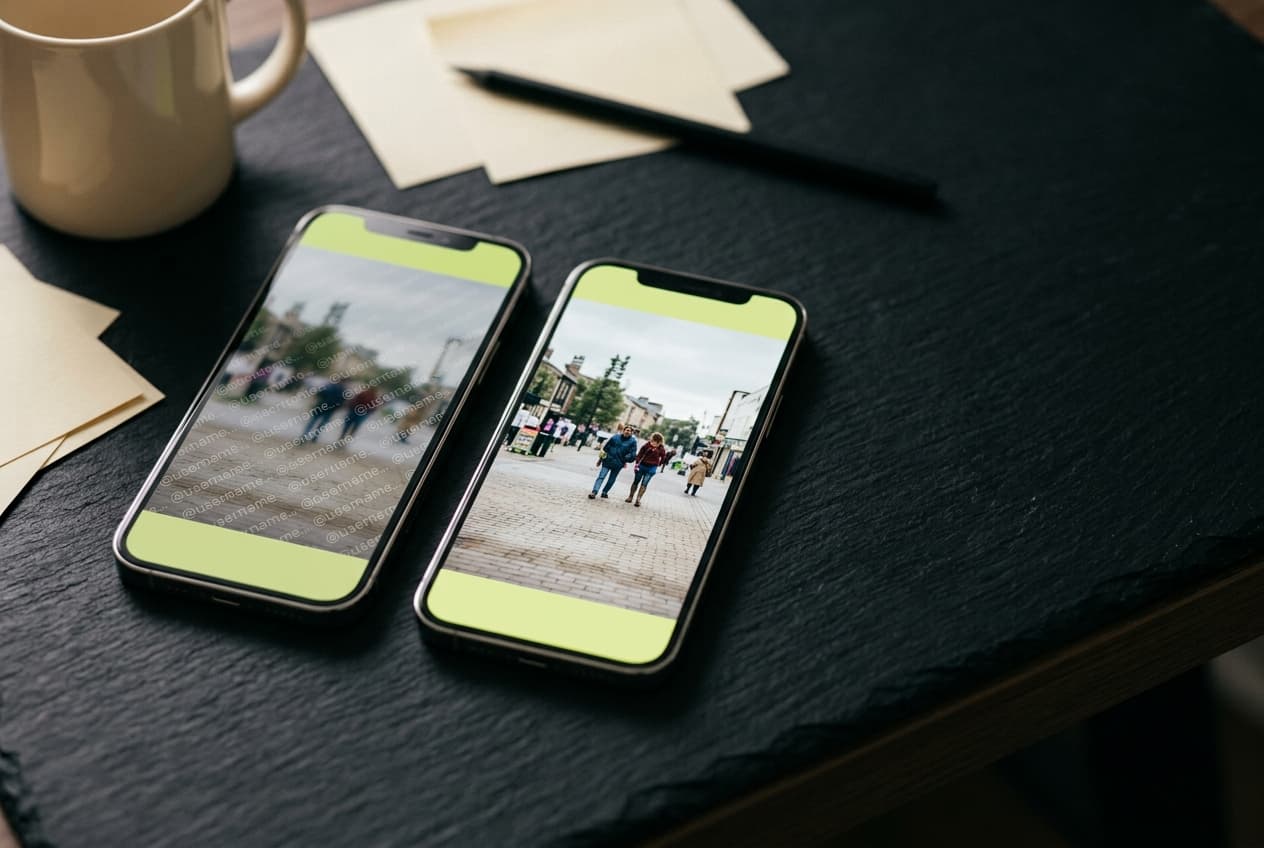
Save a story exactly as it was uploaded — up to 1080p MP4, with no bouncing @username stamp, because TikStoryViewer pulls the original source file instead of the share-sheet export that bakes the watermark in. The file lands in your downloads folder in seconds, ready to drop onto a Premiere or CapCut timeline or repost to Reels at 9:16. The paste-and-save flow will be familiar if you've used a TikTok downloader before, without the redirect chains and countdown timers that usually come with them. Grab the clip before the 24-hour clock runs out.

Two phones side by side comparing a watermarked TikTok story with the clean 1080p copy saved from TikStoryViewer

Access

A TikTok Story Downloader That Needs No App and No Extension

TikStoryViewer runs entirely in the browser you already have — Chrome, Safari, Firefox, or the in-app browser you get when you tap a link inside TikTok itself. There is nothing to sideload, no APK, and no extension asking for permission to read every site you visit, which is the usual trade with desktop downloader plugins. The same page works on a phone on 4G and on a 4K desktop monitor, because all the heavy lifting happens server-side. Open it, paste, done.

Watching a TikTok story on TikStoryViewer in a phone browser on a train, with no app or extension installed

Photo posts

Save Photo Posts and Slideshows, Not Just Video

A good share of TikTok stories are photo posts, and a video-only story saver simply errors out on them. TikStoryViewer detects the post type and returns every image in the carousel at full resolution as individual JPGs, with the background track saved alongside as its own file. Whether it's a three-slide outfit rundown or a twenty-image recipe thread, the whole set comes down in one action rather than one screenshot at a time. Save the slideshow the same way you'd save a clip.

A TikTok photo post slideshow downloading from TikStoryViewer as full-resolution JPGs, with prints of the slides alongside

Audio

Pull the Audio: TikTok Story to MP3 in One Tap

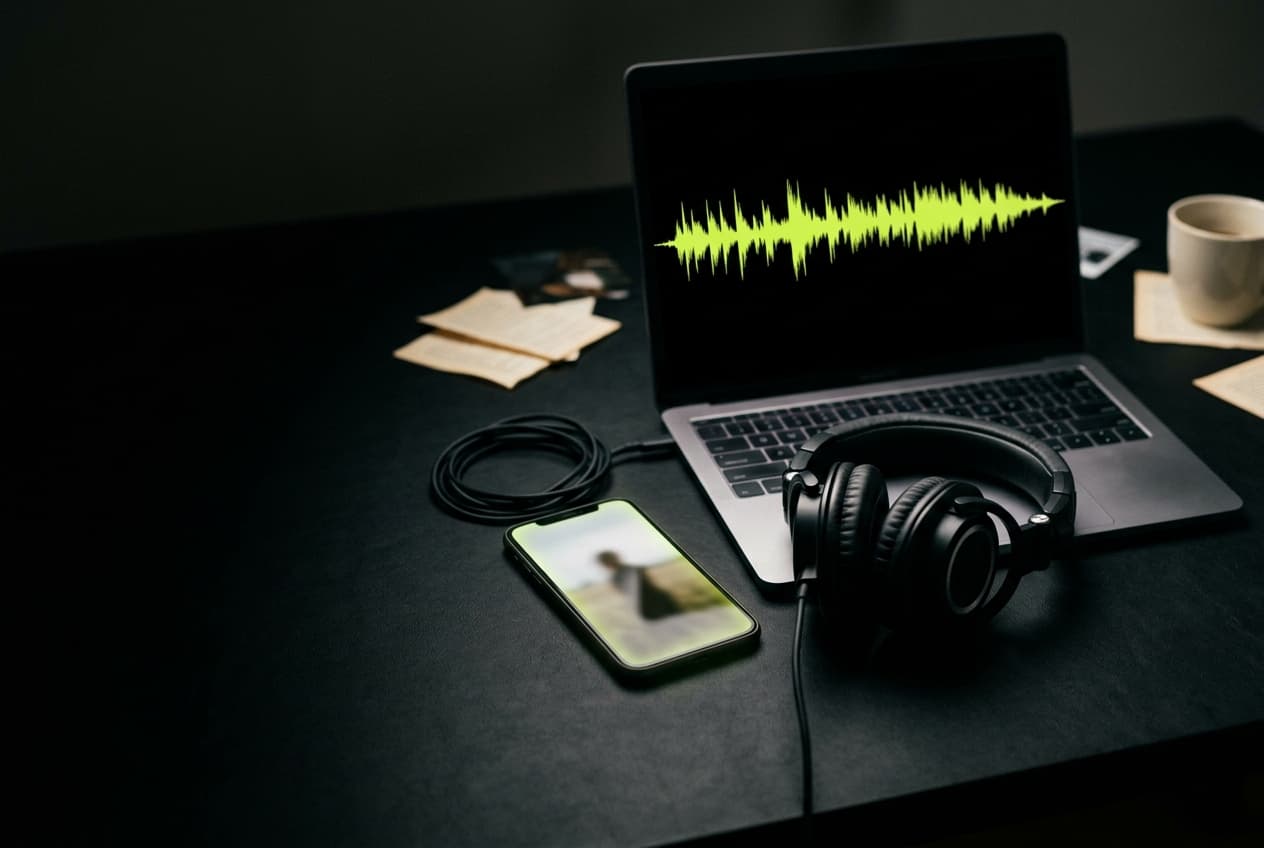
Every result carries a second button that saves just the soundtrack as an MP3, taken from the original audio stream rather than stripped out of an already-compressed video. That's the short route to a sound you want to reuse, a voiceover you need to transcribe, or a track you're trying to identify. It skips the usual detour of exporting the MP4 and running it through Audacity or a separate online converter. Download TikTok audio without ever touching the video file.

A TikTok story soundtrack pulled as an MP3 with TikStoryViewer, its waveform on a laptop beside the paused clip

Archiving

Stories Expire in 24 Hours. Save Yours Before They Vanish

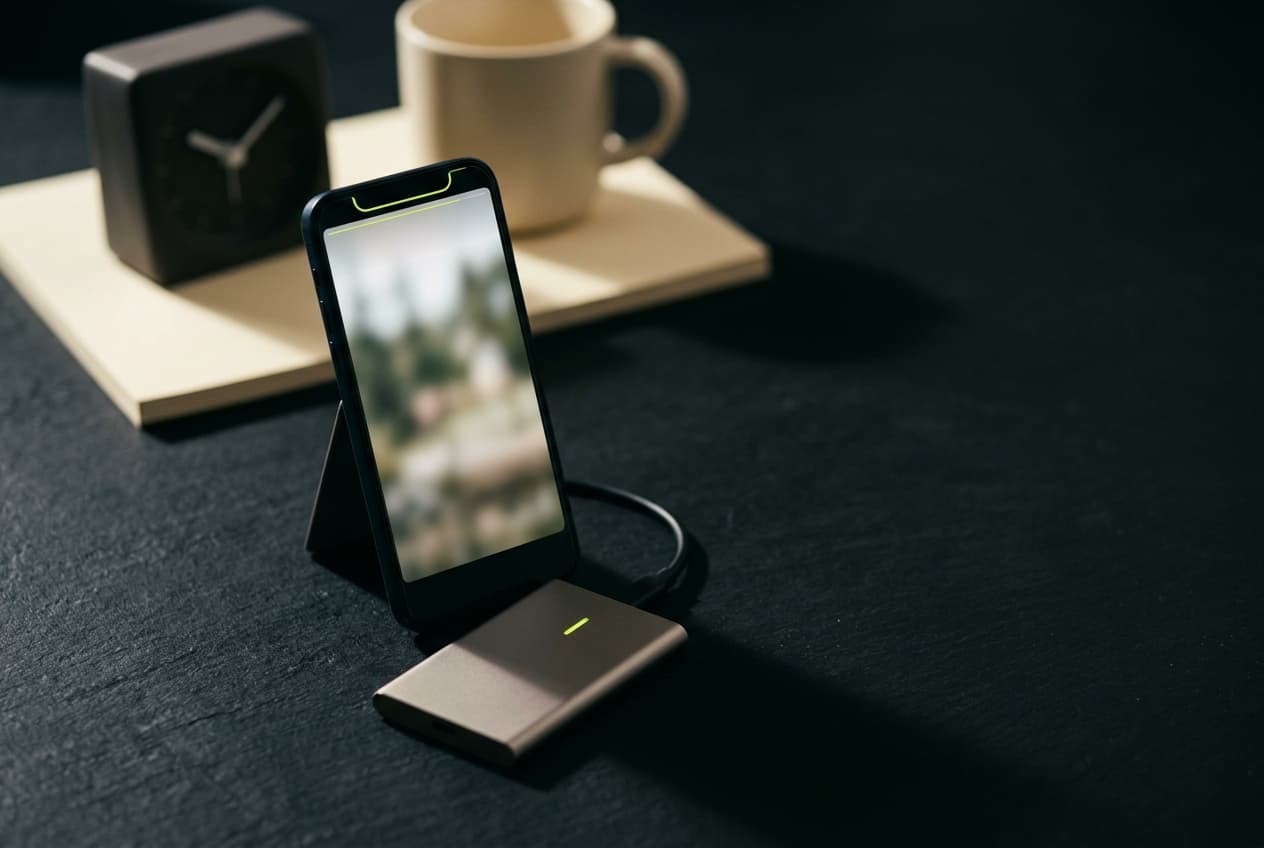
A TikTok story disappears a day after it goes up, and once the window closes it's gone for everyone — the person who posted it included. TikStoryViewer hands you a permanent MP4 copy long before the clock runs out, so a launch announcement or a one-off behind-the-scenes clip outlives its own deadline. Social teams lean on this at the end of each week to archive a client's daily stories into a shared drive with the captions and stats intact. Save it now and sort your library later.

An expiring 24-hour TikTok story being archived to an external drive with TikStoryViewer before it vanishes

Who uses it

Real reasons people reach for a TikTok story saver

A creator checking a rival account’s TikTok stories on TikStoryViewer from bed, ring light switched off

Creators watching the competition

See what rival accounts are testing in stories — hooks, CTAs, link stickers — without your handle turning up in their viewer list. Most creators check five or six accounts a morning; the anonymous TikTok story viewer makes that a habit you can keep quietly.

A social media manager archiving a client’s TikTok stories from TikStoryViewer into a shared drive folder

Social media managers and agencies

Archive a client's daily stories into a shared drive so the month-end report has the real assets, not screenshots. Pull the 1080p MP4 plus the play and like counts in one step, and stop asking the client to re-send a story that expired three days ago.

A researcher saving a public TikTok story with TikStoryViewer at a night desk beside notes and a voice recorder

Journalists and researchers

Public posts vanish on a 24-hour timer, which is a problem when the post is the evidence. Save an original-quality copy with its timestamp while the story is still live, then cite it after the fact.

A marketer pinning a TikTok story saved with TikStoryViewer to a swipe file wall of printed stills

Marketers building a swipe file

Collect the transitions, text overlays and sound choices that keep showing up in your category. A free TikTok story downloader turns an interesting story into a reference clip your team can actually open, rather than a dead link in a Slack thread.

A watermark-free TikTok story from TikStoryViewer dropped onto an editing timeline in a grading suite

Editors and video teams

Pull watermark-free source footage at 9:16 and drop it straight into CapCut, Premiere or Resolve without a rescale. Grab the separate MP3 when you only need the audio bed for a rough cut.

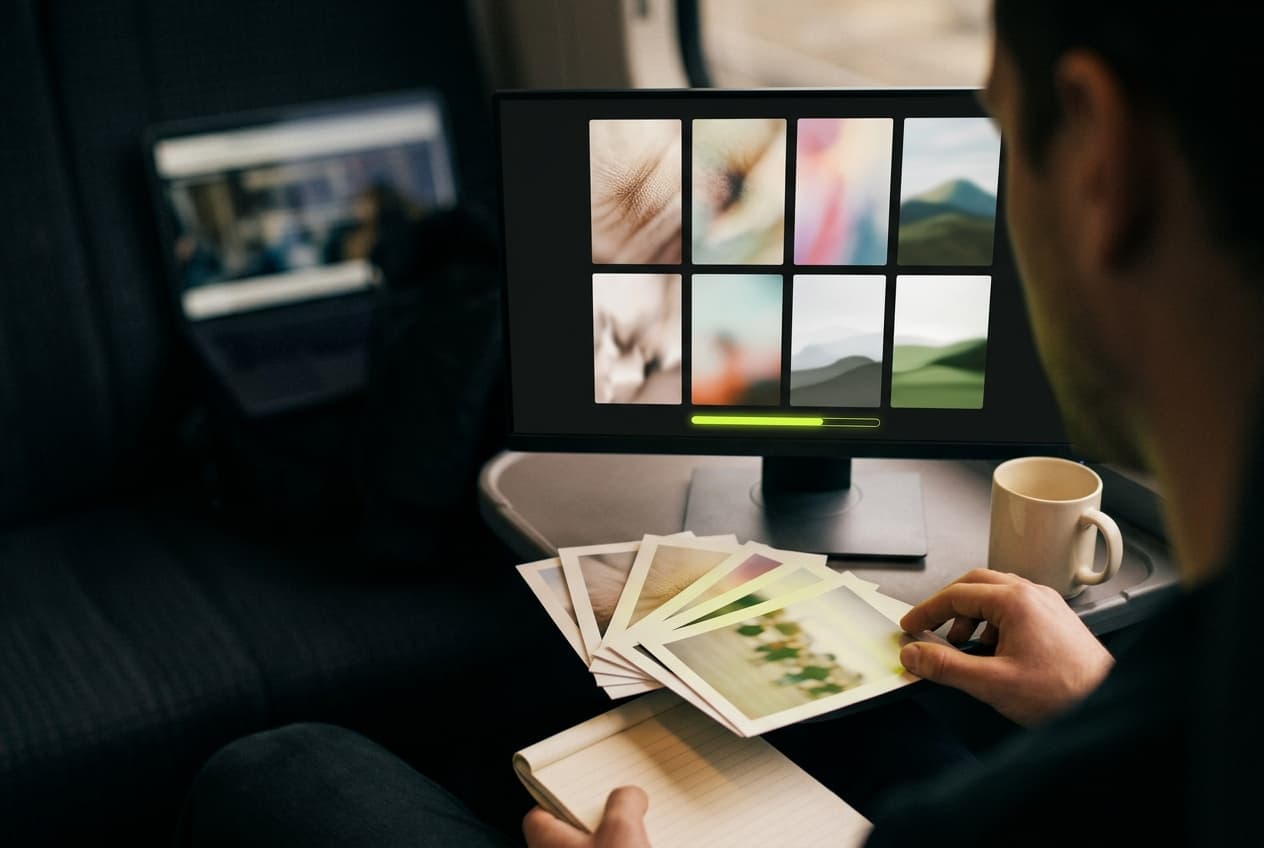
A parent reading a public TikTok story in a tablet browser on TikStoryViewer at a sunlit kitchen table

Parents and educators

Check what a public account is posting without creating a TikTok account of your own and without the algorithm learning anything about you. Paste the profile handle, read the stories, close the tab.

Someone watching a TikTok story anonymously on TikStoryViewer at a window at night, unseen by the creator

Anyone who'd rather not be on the list

Sometimes you want to see a public story without the small social cost of appearing in someone's viewer list — an ex, a coworker, a company you're interviewing with. That's the whole reason an anonymous story viewer exists.

Why this one

Fast, quiet, and free in the way that actually means free

One request, no queue

Paste a link and the post resolves straight away — no render queue, no "your file is being prepared" spinner, no email to confirm. There is no batching step because there is nothing to render; the file already exists on TikTok's CDN and TikStoryViewer just fetches it for you.

Nothing kept after delivery

We don't keep the links you paste, we don't build a profile of what you watched, and media is streamed through and discarded rather than stored on a server. Download links are signed and stop working within a day, so a shared link goes dead on its own.

Free, with no credit system

No credits, no daily cap dressed up as a free tier, no watermark added on the way out, and no account wall at the download step. The page is ad-supported; the tool itself stays free to use.

And four things it deliberately won't do

  • Private and friends-only accounts — we can't reach them, and we don't try
  • Your TikTok password — we never ask for it and there is nothing to log into
  • Saved search history — pasted links aren't written to a database
  • Watermarks or email gates on the file you just downloaded

How it works

Three steps, about fifteen seconds

  1. Copy the link

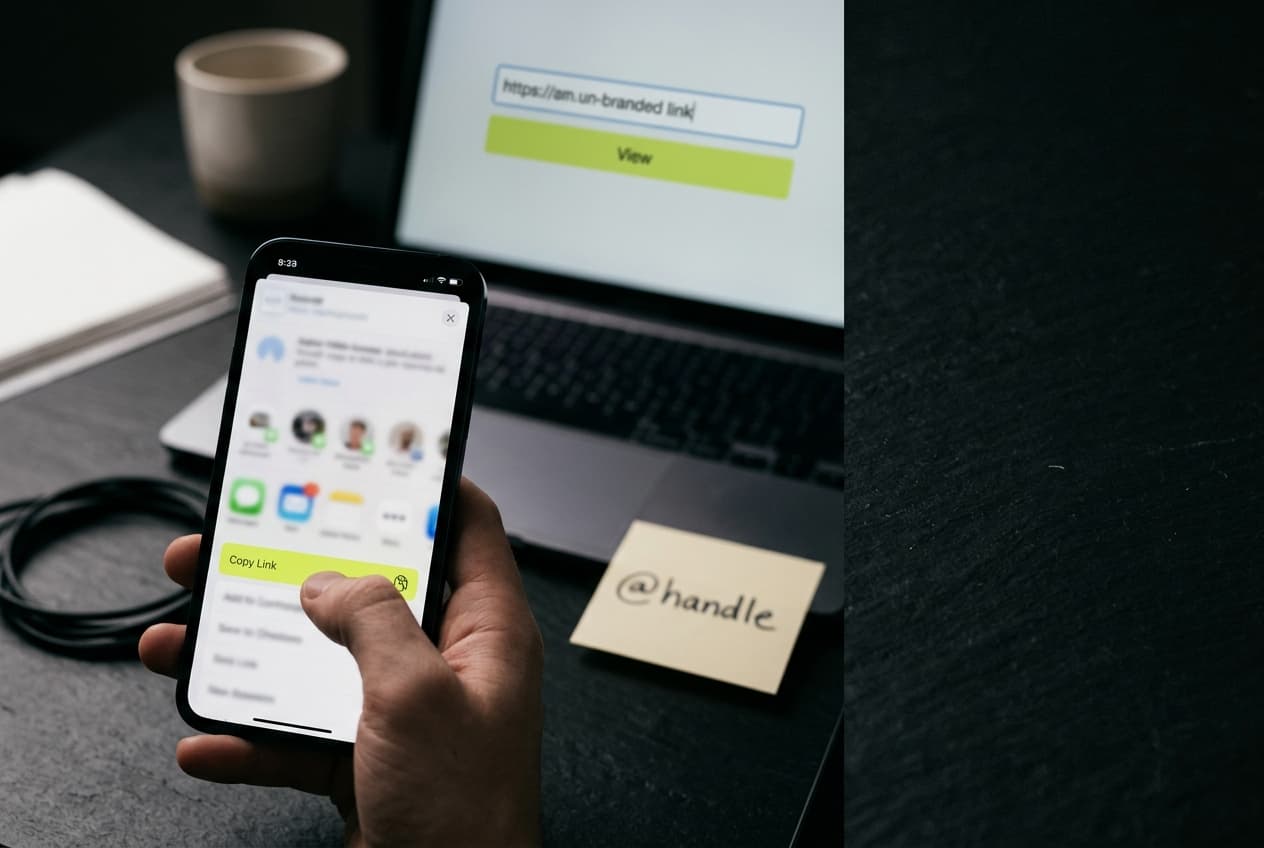
    In the TikTok app, tap Share on the story and choose Copy Link. On desktop, the address bar works just as well — tracking parameters and all.

  2. Paste it above

    Drop the URL, @handle or post ID into the box and hit View. TikStoryViewer resolves the post server-side, usually before you've finished reading this sentence.

  3. Watch or download

    Play it right in the page, then save the 1080p MP4, the MP3, or the full-resolution cover image. Nothing is written to your TikTok account either way.

Got a link already?

Paste it and watch

FAQ

Questions people ask before pasting a link

Is TikStoryViewer really a free TikTok story viewer?

Yes. Viewing, downloading the 1080p MP4, saving a photo slideshow and pulling the MP3 are all free, with no credit system and no daily cap dressed up as a trial. The page is supported by ads rather than by gating the download. There is no paid tier holding back the good quality.

Do I need to log in or create an account?

No, and that's the point. There is no sign-up form, no email confirmation and no TikTok login — you paste a link and get a result. Because you never authenticate, there is no session for anything to be recorded against.

Will the creator know I viewed their story?

Your account won't appear in their viewer list, because your account is never involved. TikStoryViewer fetches the public post from the server side, so the request isn't tied to your TikTok identity the way it would be if you opened the story in the app. Treat this as anonymity from the creator's viewer list, not as anonymity from TikTok itself.

Can I view stories from a private account?

No. TikStoryViewer only resolves posts that are already public, and it will return an error on a private or friends-only account rather than trying to work around the restriction. If a profile is private, the intended audience is the people it was shared with — that's a line the tool doesn't cross.

Do downloaded stories have a watermark?

No. The file you get is the original upload from TikTok's CDN, not the share-sheet export that bakes in a bouncing @username. That means a clean 9:16 frame you can cut into an edit or repost to Reels without cropping around a logo.

What quality do TikTok stories download in?

Whatever the creator uploaded, up to 1080p — TikStoryViewer doesn't re-encode, so there's no second round of compression. Older or low-bandwidth posts may only exist at 720p on TikTok's side, and no tool can add detail that was never uploaded. Audio is saved at the source bitrate as MP3.

Does it work on iPhone and Android?

Yes, on both, in the mobile browser you already use and in the in-app browser you land in when you tap a link inside TikTok. There is no app to install and no extension to approve. On iOS, saved videos go to your Files app, then to Photos if you move them there.

How long is a TikTok story available?

Twenty-four hours from the moment it's posted, after which it disappears for everyone including the person who posted it. That's the whole reason to save a copy while it's live — once the window closes, the source is genuinely gone and no story viewer can retrieve it.

Do you store the links I paste or the files I download?

The links aren't written to a database and the media isn't kept on our servers — files are streamed through to you and discarded. Download links are signed and stop working within a day, so a URL you shared by accident dies on its own. Standard, aggregated request logs exist for abuse prevention and are rotated.

Can I use downloaded stories commercially?

Not on your own authority. The creator owns the video, and saving a copy doesn't transfer any rights to you — reposting, monetising or cutting it into an ad needs their permission. TikStoryViewer is built for watching, archiving your own content and fair-use reference, and you're responsible for what you do with a file afterwards.