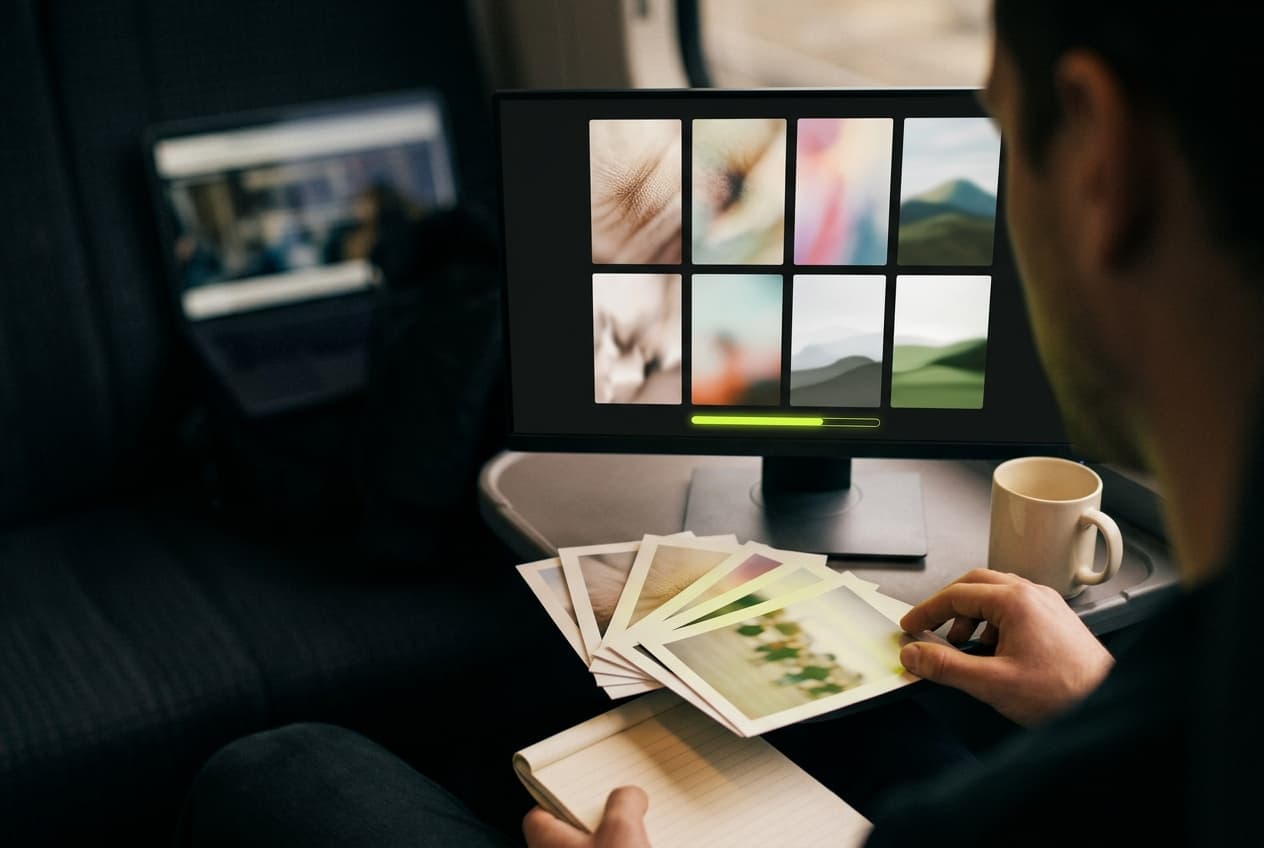
A TikTok story downloader that beats the 24-hour clock

Paste a story link or a creator's @username and save their stories as HD MP4s with no watermark — or as JPGs and MP3s — before they disappear. No login, no app.

  • Video posts
  • Photo slideshows
  • Profile stories
  • vm / vt short links

Public posts only. Nothing you paste is written to a database.

What it does

Four reasons to save stories here

Quality

Download TikTok Stories in HD, Without the Watermark

Saving a story from TikTok's own share menu gets you a copy with the creator's @username bouncing around the frame. TikStoryViewer pulls the original upload from TikTok's CDN instead, so the MP4 is the clean 9:16 file — up to 1080p, at whatever resolution the creator uploaded, with no second round of compression on our side. That's the version you can drop onto a CapCut or Premiere timeline, or keep in an archive, without cropping around a logo.
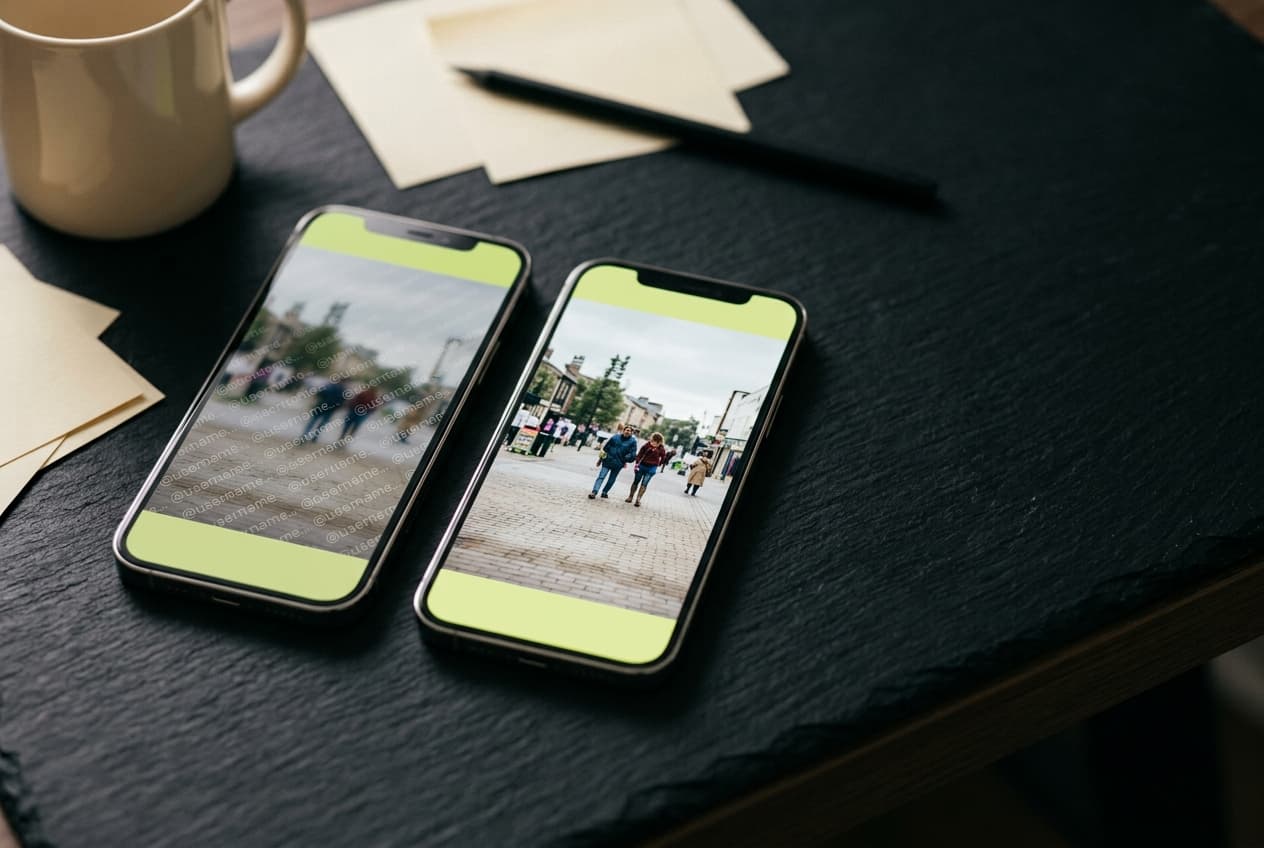
Two phones comparing a watermarked TikTok story with the clean HD copy downloaded with TikStoryViewer

Timing

Save TikTok Stories Before the 24 Hours Run Out

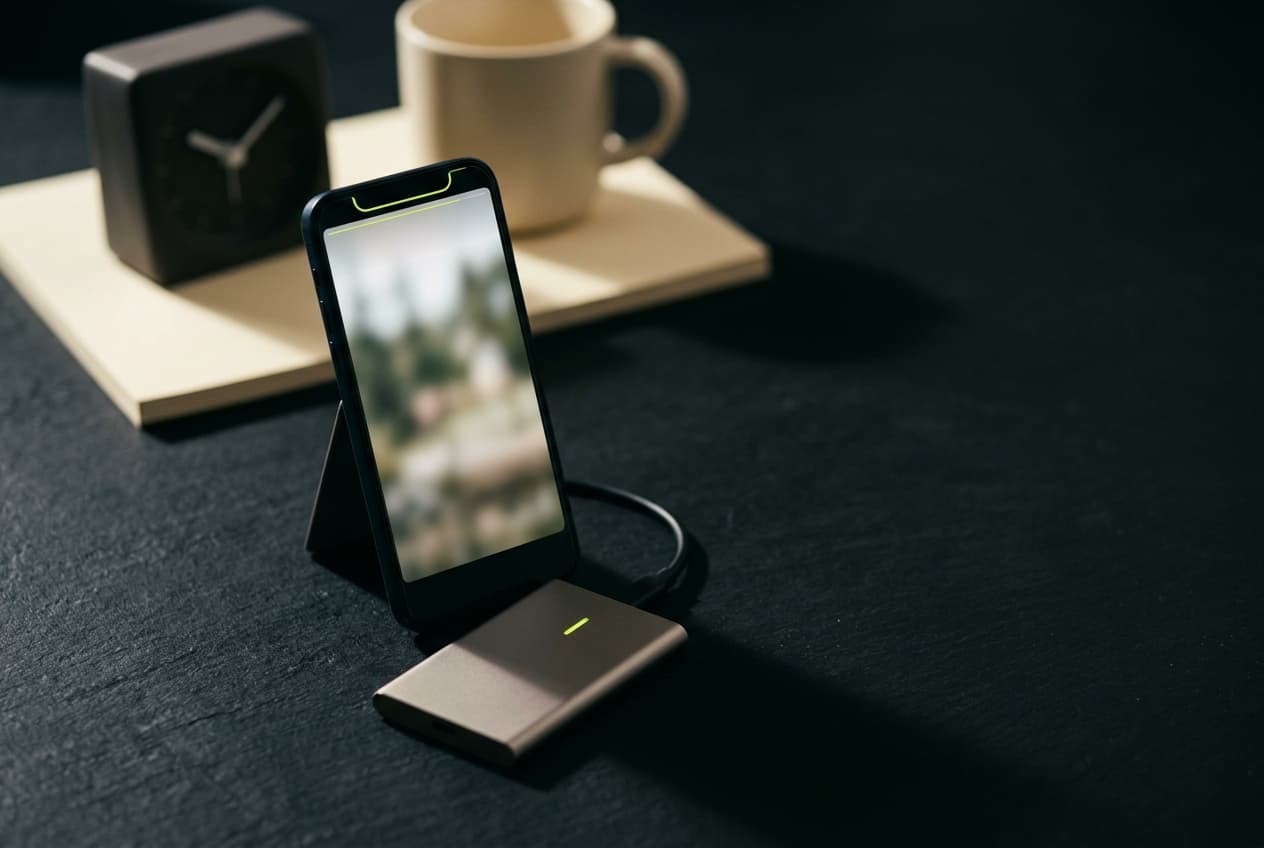
A TikTok story disappears 24 hours after it's posted, for everyone including the person who posted it, and once it's gone no downloader can bring it back. So the useful moment is while it's still live: paste the link, and the file you save is permanent on your device long after the story has vanished from TikTok. A product drop, a one-off behind-the-scenes clip or an announcement you'll want to quote later all outlive their own deadline that way.

A TikTok story downloaded with TikStoryViewer and saved to an external drive before its 24 hours ran out

Archiving

A TikTok Story Saver Built for Keeping an Archive

Every file is named after the creator and the post — handle_7351…mp4, with slides numbered after it — so a folder of saved stories sorts itself by account and never fills up with download (14).mp4. Social media managers use that to keep a client's daily stories in a shared drive for the month-end report; researchers use it to hold on to public posts that were evidence for a day. Paste an @username and every story that account has live comes up at once, each with its own download buttons — no account, nothing logged against you.

A social media manager downloading a TikTok story with TikStoryViewer next to a shared drive of saved story files

Formats

Photo Stories, Sound and Cover: Download Every Part

Not every story is a video. When a story is a photo post, TikStoryViewer returns each slide as a full-resolution JPG instead of erroring out, and the background sound comes down as its own MP3. Video stories get the same MP3 option, plus the cover frame as an image. It's all from the one paste, so you can grab just the clip, just the sound, or the whole set.

A TikTok photo story downloaded with TikStoryViewer as a set of full-resolution JPGs, with prints of the slides alongside

Why this one

Fast, quiet, and free in the way that actually means free

One request, no queue

Paste a link and the post resolves straight away — no render queue, no "your file is being prepared" spinner, no email to confirm. There is no batching step because there is nothing to render; the file already exists on TikTok's CDN and TikStoryViewer just fetches it for you.

Nothing kept after delivery

We don't keep the links you paste, we don't build a profile of what you watched, and media is streamed through and discarded rather than stored on a server. Download links are signed and stop working within a day, so a shared link goes dead on its own.

Free, with no credit system

No credits, no daily cap dressed up as a free tier, no watermark added on the way out, and no account wall at the download step. The page is ad-supported; the tool itself stays free to use.

And four things it deliberately won't do

  • Private and friends-only accounts — we can't reach them, and we don't try
  • Your TikTok password — we never ask for it and there is nothing to log into
  • Saved search history — pasted links aren't written to a database
  • Watermarks or email gates on the file you just downloaded

How it works

Three steps, about fifteen seconds

  1. Copy the link, or just the @username

    Open the story in the TikTok app, tap Share and choose Copy Link. Or skip that: the creator's @username brings up every story they have live.

  2. Paste it above

    Drop the link, short link, post ID or @username into the box and hit Download, while the story is still live.

  3. Save the files

    Watch it in the page to check it's the right one, then save the HD MP4, the slides as JPGs, the MP3 or the cover. The links work for up to a day.

Got a link already?

Paste it and watch

FAQ

Questions people ask before pasting a link

How do I download a TikTok story?

Open the story in TikTok, tap Share, then Copy Link — or skip that and type the creator's @username. Paste it into the box on this page and press Download. When the story loads, save it as an MP4 — or as JPGs if it's a photo story — and grab the MP3 too if you want the sound on its own.

Can I download a TikTok story after it expires?

No. Once the 24 hours are up, TikTok removes the story for everyone, so there's nothing left for any downloader to fetch. Save it while it's live; the copy on your device is yours to keep after that.

Do downloaded TikTok stories have a watermark?

No. TikStoryViewer saves the original upload, not the share-menu export that stamps the creator's @username on the video, so you get a clean 9:16 file.

What quality do TikTok stories download in?

The quality the creator uploaded, up to 1080p. Nothing is re-encoded on the way through. Some older or low-bandwidth uploads only exist at 720p on TikTok's side, and no tool can add detail that was never uploaded.

Will the creator know I downloaded their story?

Not through TikStoryViewer. You never sign in, so your account doesn't appear in their story's viewer list and nothing is tied to your TikTok identity. TikTok itself still serves the story to our server.

Can I download all of someone's stories at once?

Paste their @username and TikStoryViewer lists every story they have live right now, each with its own MP4, MP3 and image buttons, so saving the set is a few taps rather than a link per story. Files download one at a time; there's no zip of the whole set.

Where do downloaded stories go on iPhone?

To the Files app, in Downloads. From there, tap Share and Save Video to move a story into Photos. On Android and desktop they go to your usual downloads folder.

Can I repost a TikTok story I downloaded?

Not on your own authority. The creator owns the story, and saving a copy doesn't transfer any rights to you, so reposting, monetising or editing it into an ad needs their permission. Archiving your own stories, or keeping a reference copy, is what the tool is for.